★★★★★
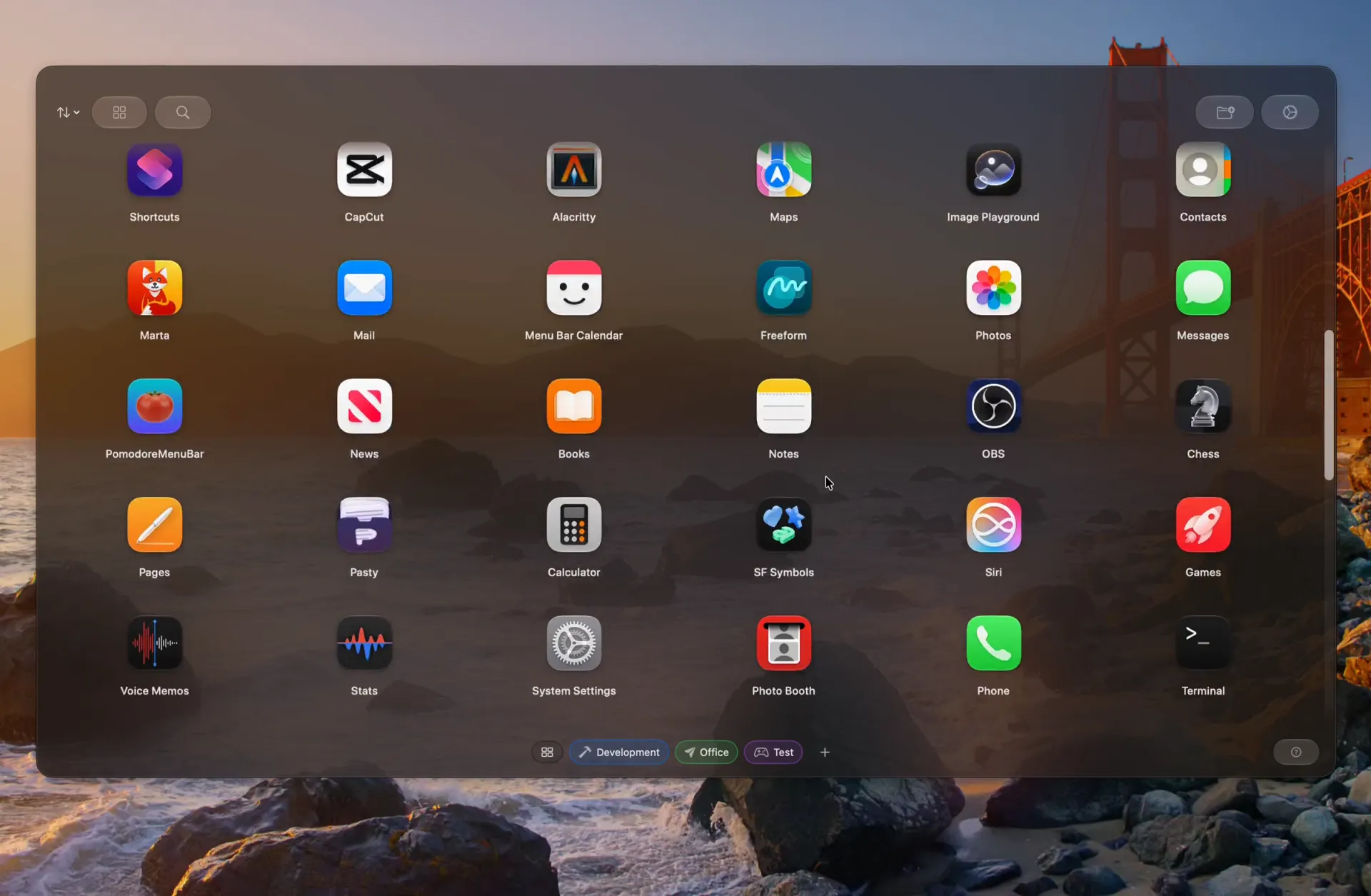
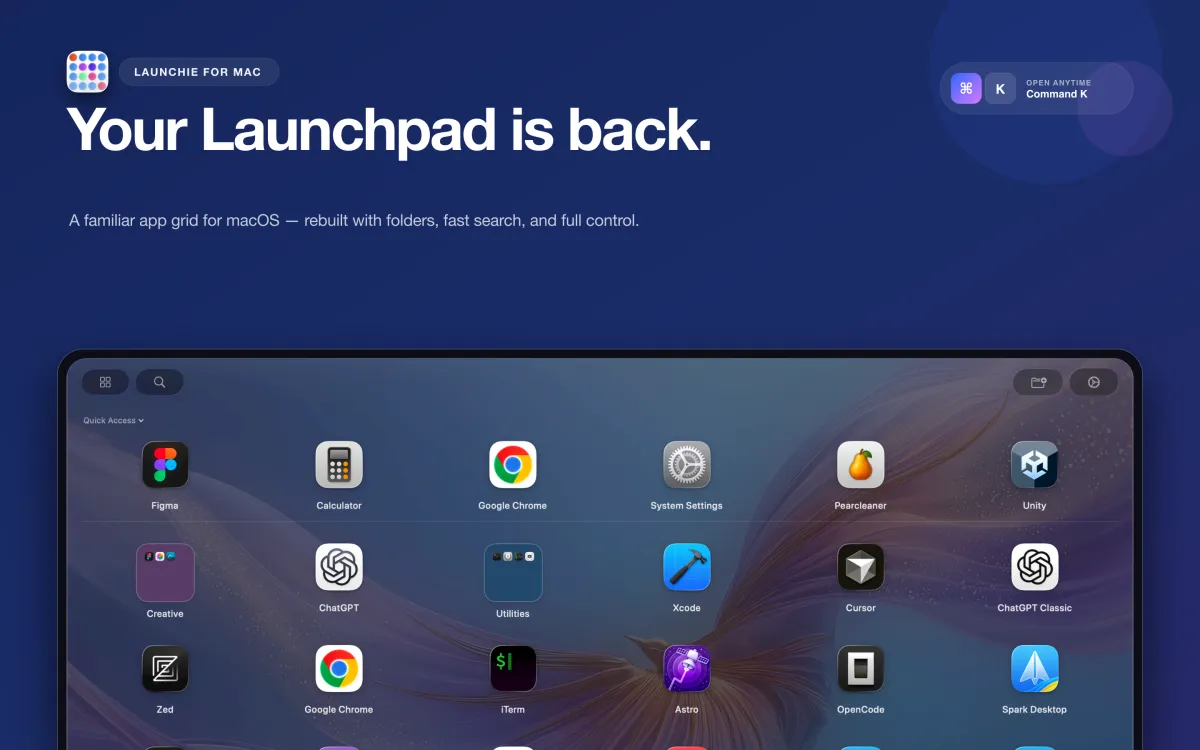
It has a lot of features and configuration options that improve on the old MacOS launcher, even on the free tier. I’ve tried all the replacements I could find, and this is by a wide margin the best.
kraergh
★★★★★
This is a very thoughtful and thoroughly customizable Launchpad alternative that more than delivers on its promises. It’s fast, elegantly designed and perfectly replaces a beloved feature…
renderartist
★★★★★
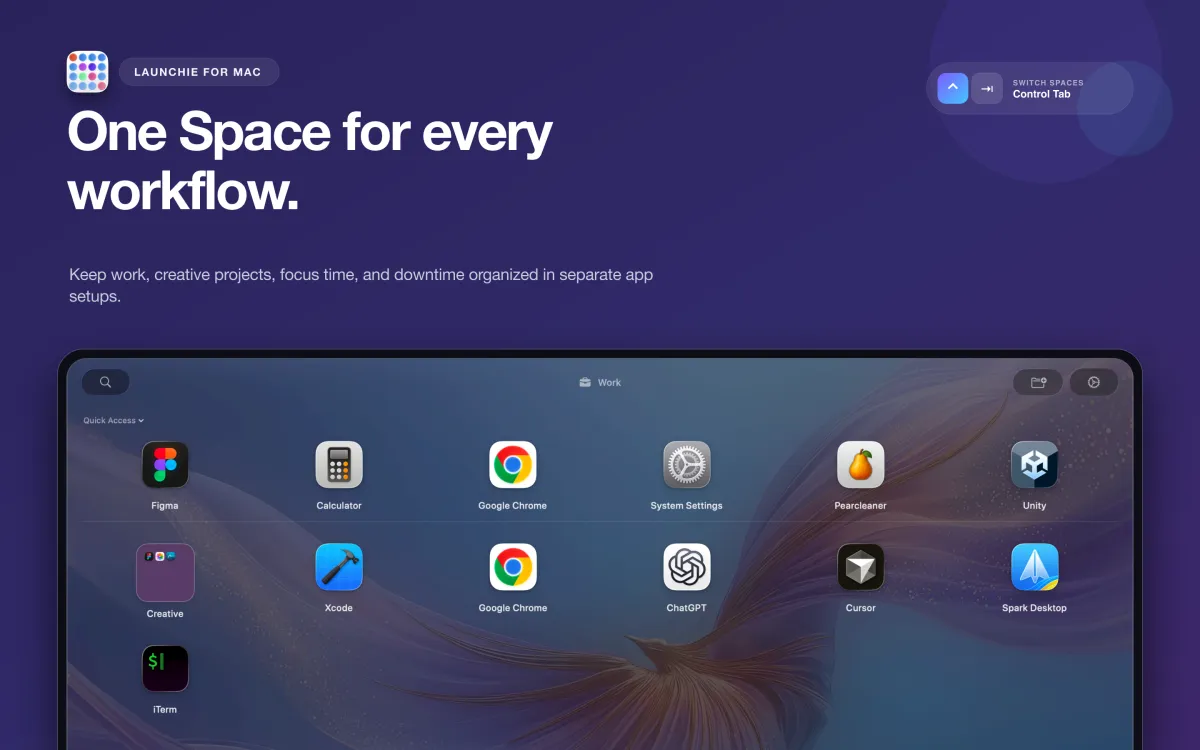
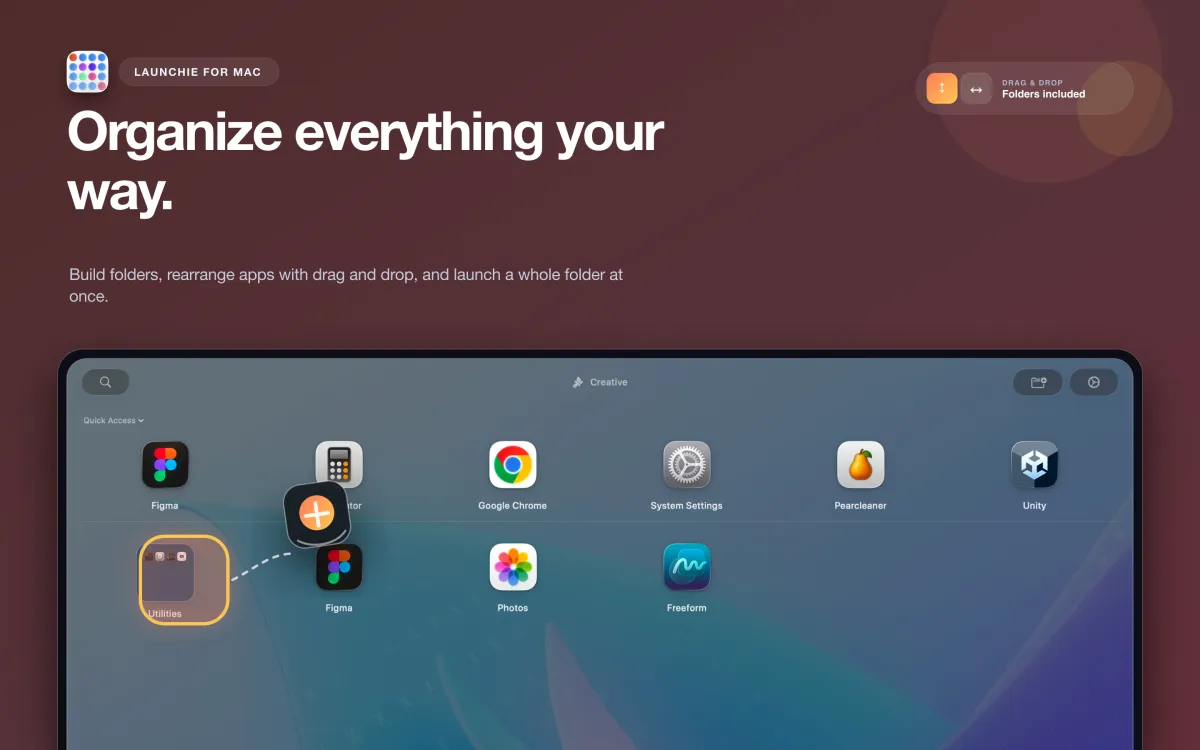
…includes so many more features than Launchpad ever did, I no longer miss it and, in fact, celebrate its demise! This app is better in every regard: sorting tools built in, additional folders, hiding of apps you don’t want to see…
Mitchismo
★★★★★
I had a couple suggestions for app option customization… and they’ve been quickly implemented. Easy to quickly find and open apps that I need… I’ve got hundreds installed, so this is no trivial task. Thanks for a great app and great support!
MichaelKnutson
★★★★★
…once I finally decided to upgrade, I only did it because of this app. I’m so glad it exists… This is all I wanted, folders & organizations of my apps!
CCisgreat
★★★★★
Unlike the app launcher, Launchie actively being developed with new ideas, options and configurations which the old launcher never had and would never have. This is a great app and well worth supporting.
Dotdotlar
★★★★★
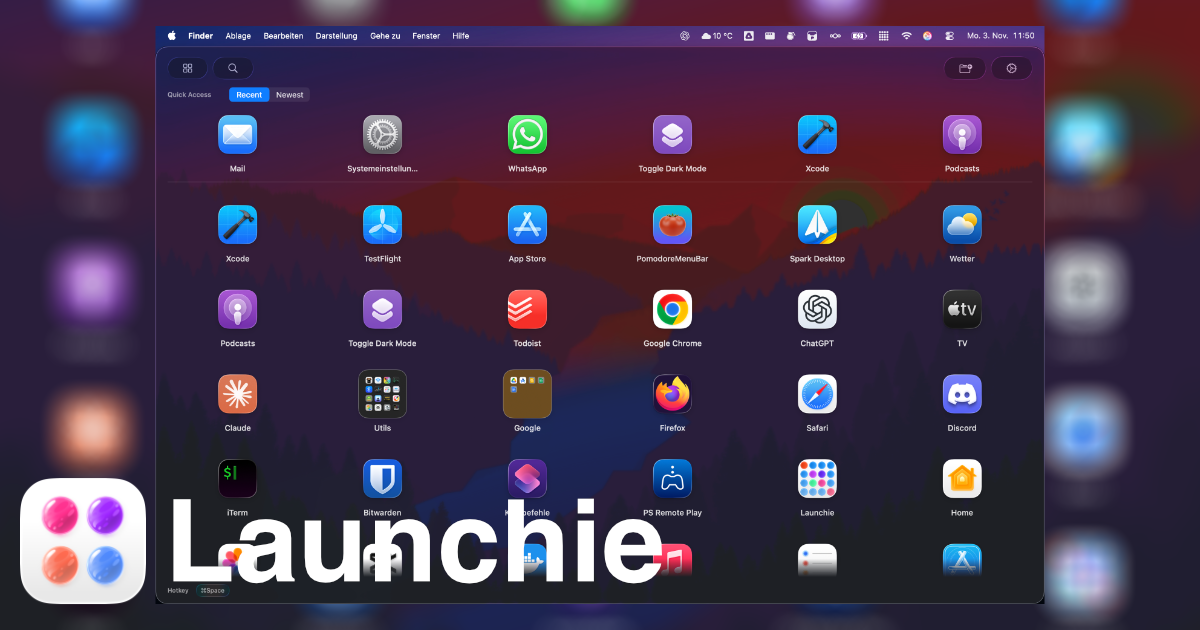
I found Launchie after upgrading to macOS 26.0 and discovering my beloved Launchpad was gone. Launchie does everything Launchpad did, and more. I really like the Recents list at the top.
Jimmy4Wheels
★★★★★
Launchie is awesome! This is even better than what Launchpad used to be - so many more options.
sqrmunky
★★★★★
I was so disappointed when I realized that when I upgraded to Tahoe I no longer had my nice curated launcher. But Lauchie is BETTER! Everything i used to be able to do and more.
cah329a
★★★★★
It is a great LaunchPad replacement. The developer is actively making improvements so it keeps getting better.
BrainsLink
★★★★★
Launchie is the perfect un-Sherlock’ing of Launchpad.
dromen
★★★★★
Launchie brought back the “it just works” better than Apple did. Crazy but true.
ibivibiv
★★★★★
It has a lot of features and configuration options that improve on the old MacOS launcher, even on the free tier. I’ve tried all the replacements I could find, and this is by a wide margin the best.
kraergh
★★★★★
This is a very thoughtful and thoroughly customizable Launchpad alternative that more than delivers on its promises. It’s fast, elegantly designed and perfectly replaces a beloved feature…
renderartist
★★★★★
…includes so many more features than Launchpad ever did, I no longer miss it and, in fact, celebrate its demise! This app is better in every regard: sorting tools built in, additional folders, hiding of apps you don’t want to see…
Mitchismo
★★★★★
I had a couple suggestions for app option customization… and they’ve been quickly implemented. Easy to quickly find and open apps that I need… I’ve got hundreds installed, so this is no trivial task. Thanks for a great app and great support!
MichaelKnutson
★★★★★
…once I finally decided to upgrade, I only did it because of this app. I’m so glad it exists… This is all I wanted, folders & organizations of my apps!
CCisgreat
★★★★★
Unlike the app launcher, Launchie actively being developed with new ideas, options and configurations which the old launcher never had and would never have. This is a great app and well worth supporting.
Dotdotlar
★★★★★
I found Launchie after upgrading to macOS 26.0 and discovering my beloved Launchpad was gone. Launchie does everything Launchpad did, and more. I really like the Recents list at the top.
Jimmy4Wheels
★★★★★
Launchie is awesome! This is even better than what Launchpad used to be - so many more options.
sqrmunky
★★★★★
I was so disappointed when I realized that when I upgraded to Tahoe I no longer had my nice curated launcher. But Lauchie is BETTER! Everything i used to be able to do and more.
cah329a
★★★★★
It is a great LaunchPad replacement. The developer is actively making improvements so it keeps getting better.
BrainsLink
★★★★★
Launchie is the perfect un-Sherlock’ing of Launchpad.
dromen
★★★★★
Launchie brought back the “it just works” better than Apple did. Crazy but true.
ibivibiv
 Launchie